


When choosing a web hosting provider, reliability, speed, customer support, and scalability are crucial. With so many options available, finding the right host can be overwhelming.
Over the years, I’ve tested multiple hosting services, and I’ve ranked the best ones based on real-world performance, advanced features, security, pricing, and customer feedback. Whether you are a blogger, small business owner, or developer, this guide will help you find the best hosting solution to fit your needs.
Web hosting is the backbone of any online presence. A fast, secure, and reliable hosting provider ensures your website remains accessible at all times.
A great hosting provider offers strong uptime guarantees, responsive customer service, robust security measures, and powerful speed optimizations. Based on my personal experience, I’ve compiled a list of the top web hosting providers in 2025, starting with my absolute favorite – WP Engine.
1. WP Engine – The Ultimate Managed WordPress Hosting
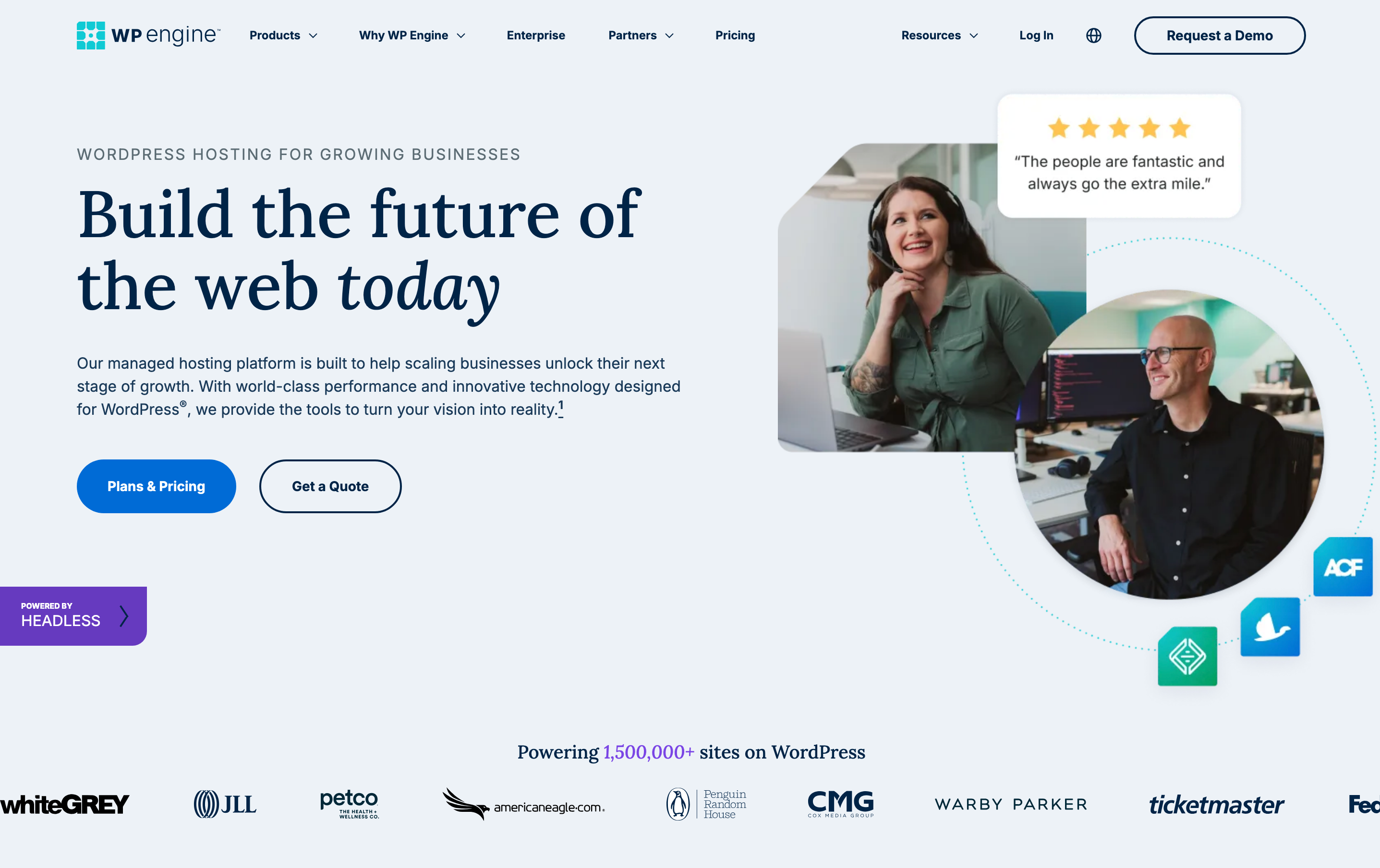
After years of switching between hosting providers, I finally settled on WP Engine, and it has been a game-changer for my WordPress sites. WP Engine offers managed WordPress hosting specifically designed for performance and security. Unlike traditional hosting services, WP Engine focuses solely on WordPress, ensuring optimized servers, cutting-edge security features, and unmatched customer support. If you’re serious about your WordPress website, WP Engine is worth every penny.
Pros & Cons
✅ Blazing-fast speeds with EverCache technology
✅ Automatic daily backups & robust security features
✅ 24/7 expert WordPress support
✅ Staging environment for testing before going live
✅ Free SSL & Global CDN for enhanced performance
✅ AI-powered threat detection to prevent cyberattacks
✅ Free premium WordPress themes included
❌ Higher pricing compared to shared hosting
❌ Only supports WordPress websites
❌ No email hosting included
Advanced Features
- EverCache Technology: Ensures top-tier speed and performance by caching dynamic and static content efficiently.
- Auto-Healing Technology: Detects and resolves server issues automatically to minimize downtime.
- One-Click Staging: Test updates, themes, or plugins in a secure environment before applying them to your live site.
- Enterprise-Grade Security: Includes DDoS protection, a web application firewall (WAF), and real-time threat detection.
- Automated Daily Backups: Ensures your site is safe, with easy restore options in case of data loss.
Pricing
- Startup Plan – $20/month (1 site, 10GB storage, 50GB bandwidth)
- Professional Plan – $39/month (3 sites, 15GB storage, 75GB bandwidth)
- Growth Plan – $77/month (10 sites, 20GB storage, 100GB bandwidth)
- Scale Plan – $193/month (30 sites, 50GB storage, 400GB bandwidth)

Customer Reviews
⭐️⭐️⭐️⭐️⭐️ – “Switching to WP Engine transformed my website’s speed and security. The support team is outstanding!” – Mark T.
2. Bluehost

Overview
Bluehost is one of the most popular web hosting providers, particularly for WordPress websites. Known for its user-friendly interface and budget-friendly plans, Bluehost is a great option for beginners. With integrated features like one-click installs, 24/7 support, and free domain registration for the first year, it’s an excellent entry-level choice for anyone starting a website.
Although Bluehost doesn’t offer as many advanced features as WP Engine, it’s still a solid choice for small to medium-sized websites. I’ve used Bluehost on a few smaller projects, and it has always delivered decent performance with easy setup processes.
Pros
- Affordable Pricing: Bluehost is very budget-friendly, with prices starting at $2.95/month.
- User-Friendly: The dashboard and control panel are intuitive, perfect for beginners.
- Free Domain: A free domain for the first year is a nice touch for new users.
- 24/7 Support: Bluehost’s support team is available around the clock via chat or phone.
- Optimized for WordPress: It’s officially recommended by WordPress.org, making it a reliable choice for WordPress users.
Cons
- Performance Can Be Slow: For larger websites, performance can suffer a bit, especially during traffic spikes.
- Upsells: Bluehost has a tendency to upsell additional services during checkout.
- Limited Backup Options: While backups are available, they aren’t as robust or automated as WP Engine’s.
Advanced Features
Bluehost offers some advanced features, but they are more limited compared to WP Engine:
- SSD Storage: Ensures faster website performance.
- Free Content Delivery Network (CDN): Speeds up your site by serving content from servers close to your users.
- Email Hosting: Includes email hosting, which is a nice plus for those who need a professional email address.
Customer Reviews
Bluehost is widely praised for its ease of use and low-cost entry, but some users complain about performance issues on higher-tier plans. Despite this, it’s a reliable option for individuals and small businesses.
Bullet Points for Easy Comparison
- Price: Starts at $2.95/month
- Best for: Beginners and budget-conscious website owners
- Key Features: Free domain, 24/7 support, WordPress optimization
- Pros: Affordable, beginner-friendly, free domain
- Cons: Performance issues on high-traffic sites, upselling
Pricing Breakdown
- Basic Plan: $2.95/month for 1 website, 50GB SSD storage, free domain
- Plus Plan: $5.45/month for unlimited websites, unlimited storage, and free domain
- Choice Plus Plan: $5.45/month for unlimited websites, unlimited storage, and added privacy features
- Pro Plan: $13.95/month for 1 website, unlimited storage, and premium support
Performance & Reliability
Bluehost offers solid uptime (99.98%) and decent speed, but it’s not as fast or reliable as WP Engine. For smaller websites, it’s more than sufficient, but for larger or more critical sites, you might want to consider WP Engine for better performance.
3. SiteGround
Overview
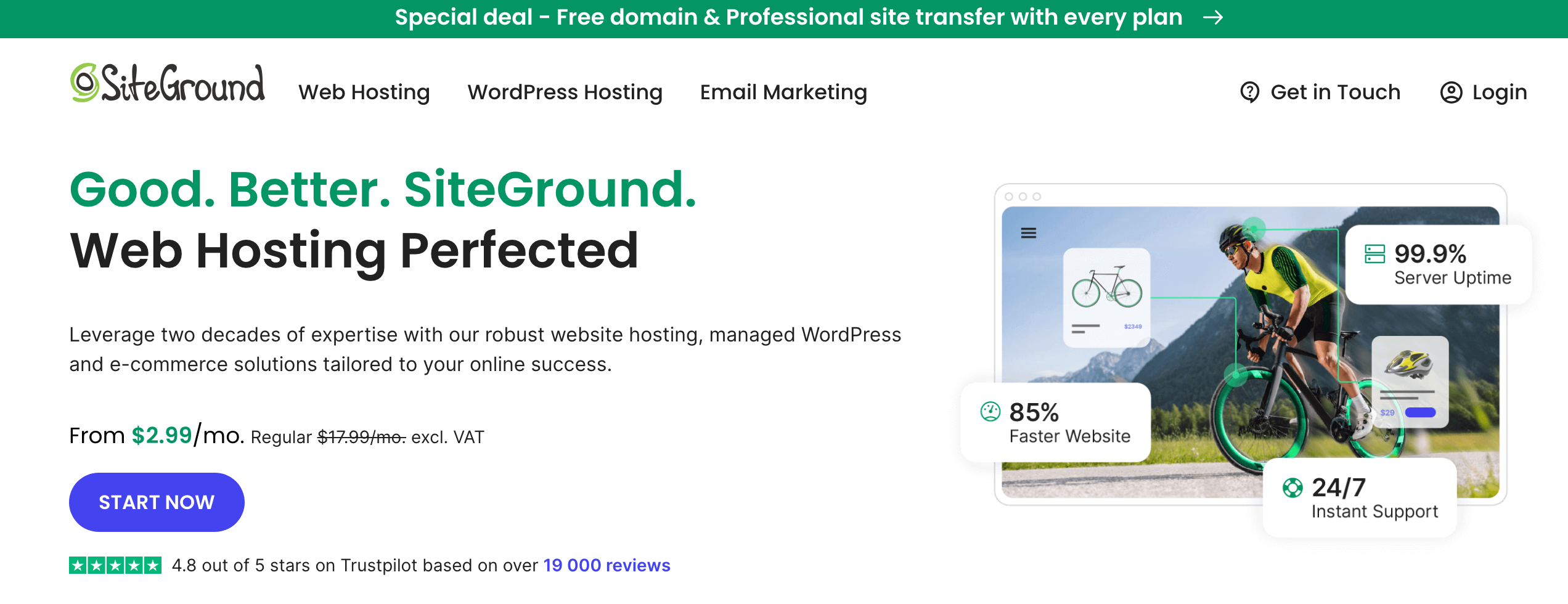
SiteGround is another top-tier hosting provider that consistently impresses with its customer support, performance, and security features. Known for its strong focus on WordPress hosting, SiteGround offers unique features like free daily backups, built-in caching, and a premium CDN service. I’ve used SiteGround for several personal projects and have found it to be reliable and efficient.
Pros
- Excellent Support: SiteGround offers 24/7 live chat and phone support with knowledgeable agents.
- Great Security: Automated updates, built-in firewall, and daily backups make it a secure choice.
- Performance: Solid speed and uptime, especially with their custom caching solutions.
- Free Daily Backups: Automatic backups every day without extra cost.
Cons
- Higher Renewal Rates: Renewal prices can be higher than the initial discounted rate.
- Limited Storage: Some plans have limited storage, which might not be sufficient for larger websites.
Advanced Features
- Free CDN: SiteGround provides a free CDN for faster website loading times.
- Advanced Caching: Their SuperCacher tool speeds up your website, especially for WordPress.
- Staging Tools: One-click staging for testing changes before going live.
Customer Reviews
Users rave about SiteGround’s exceptional customer support and its robust security features. Performance is generally reliable, though some users have mentioned that the renewal rates are steep.
Bullet Points for Easy Comparison
- Price: Starts at $3.99/month
- Best for: Secure hosting with excellent customer support
- Key Features: Free daily backups, CDN, SuperCacher
- Pros: Great support, security, performance
- Cons: Higher renewal rates, limited storage
Pricing Breakdown
- StartUp Plan: $3.99/month for 1 website, 10GB storage, and free CDN
- GrowBig Plan: $6.69/month for unlimited websites, 20GB storage, and added features
- GoGeek Plan: $10.69/month for unlimited websites, 40GB storage, and advanced tools
Performance & Reliability
SiteGround’s performance is impressive, with a fast server response time and 99.99% uptime. Their custom caching tools contribute to a better user experience for both visitors and administrators.
4. DreamHost – Best for Affordable WordPress Hosting
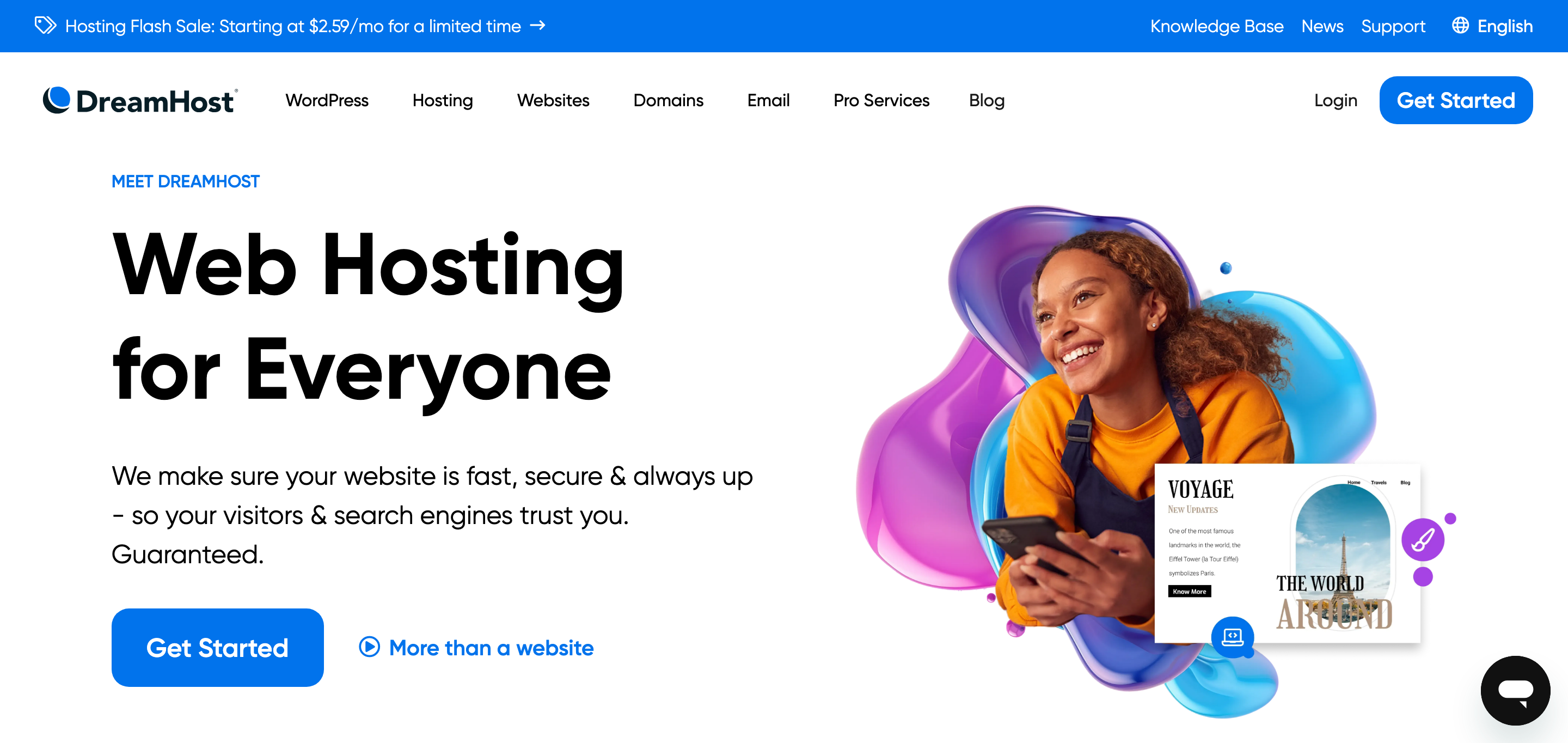
DreamHost offers budget-friendly WordPress hosting with a focus on reliability and performance. It provides a 100% uptime guarantee and strong security features, making it an excellent choice for bloggers and small business owners.
✅ Free domain and SSL certificate
✅ Unlimited bandwidth and storage
✅ 97-day money-back guarantee
❌ No free email on starter plans
❌ Customer support response time can be slow
5. InMotion Hosting – Best for Business Websites
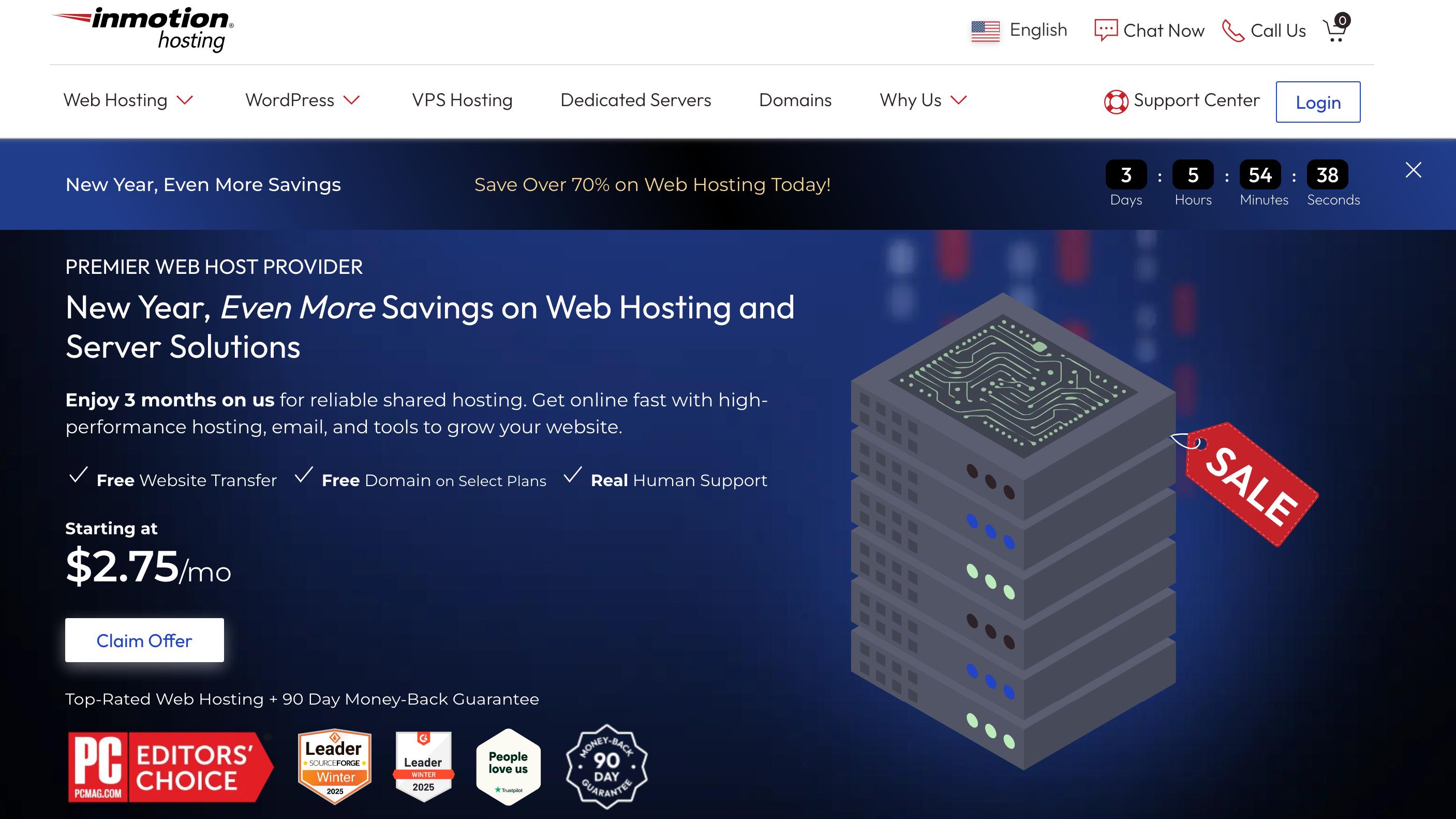
InMotion Hosting is known for its business-focused features, including strong security, performance, and excellent customer support. It is a great choice for growing businesses and eCommerce sites.
✅ Free website migration and backups
✅ Advanced security suite with DDoS protection
✅ SSD storage for better speed
❌ Higher pricing compared to some competitors
❌ No instant account activation for new users
6. Kinsta – Best for Premium Managed Hosting
Kinsta provides top-tier managed WordPress hosting powered by Google Cloud, ensuring excellent performance and security for high-traffic websites and enterprises.
✅ Google Cloud Platform integration
✅ Automatic daily backups and staging environments
✅ Premium customer support
❌ Expensive pricing compared to shared hosting
❌ No email hosting included
7. GreenGeeks – Best Eco-Friendly Hosting

GreenGeeks is an environmentally friendly hosting provider that offers solid performance while offsetting carbon emissions. It’s ideal for those who want a sustainable web hosting solution.
✅ 300% renewable energy commitment
✅ Free CDN and SSL certificate
✅ Nightly backups for added security
❌ Higher renewal prices
❌ Limited data center locations
8. Cloudways – Best Cloud-Based Hosting Solution
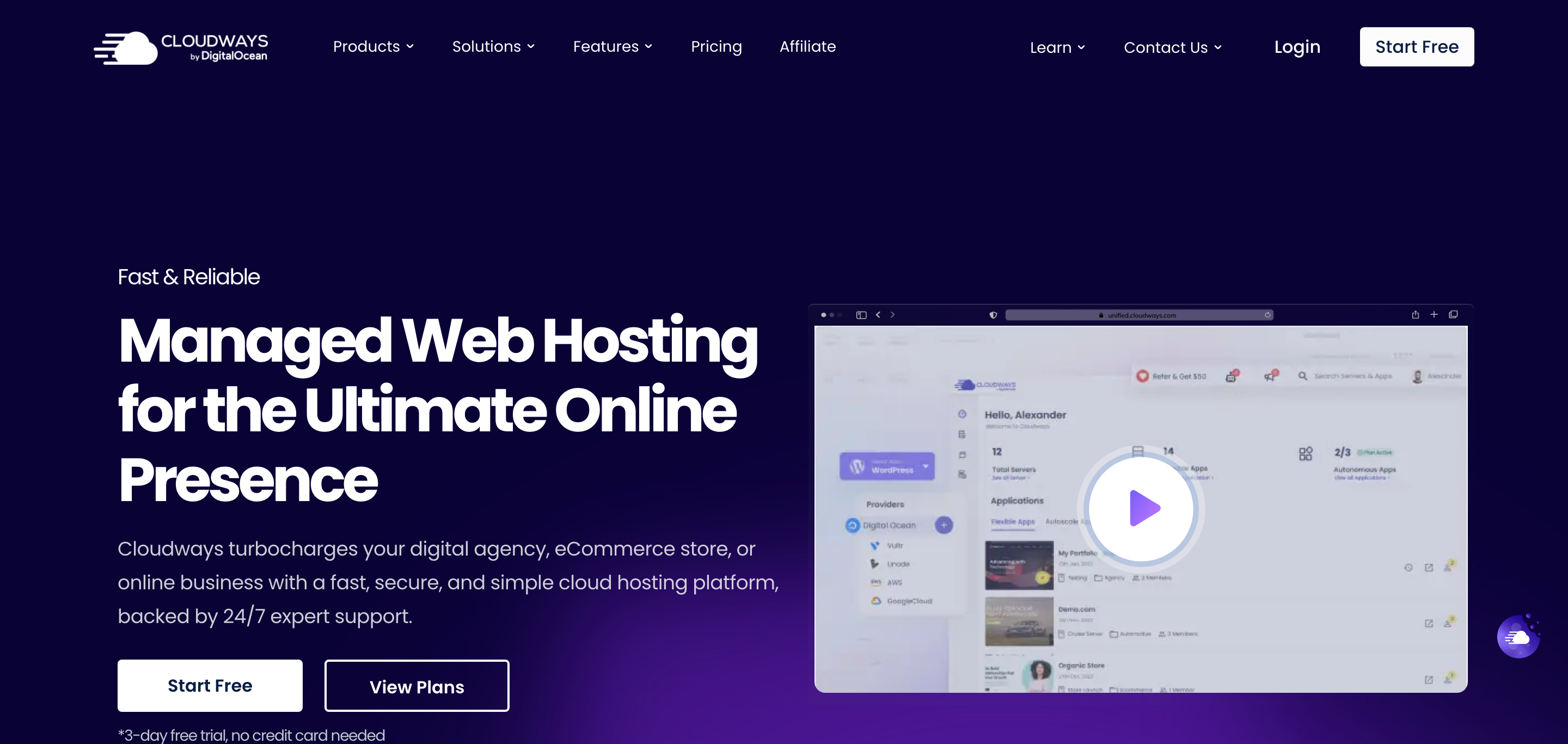
Cloudways is a powerful cloud-based hosting provider that offers flexibility and scalability with support for multiple cloud providers like AWS, Google Cloud, and DigitalOcean.
✅ Pay-as-you-go pricing model
✅ Advanced caching and CDN integration
✅ Supports multiple CMS platforms, not just WordPress
❌ No domain registration service
❌ Can be complex for beginners
Each of these hosting providers offers unique benefits tailored to different user needs, from budget-friendly shared hosting to high-performance managed solutions.
Final Verdict
If you’re running a serious WordPress website and need top-tier performance and security, WP Engine is undoubtedly the best choice. For beginners, Bluehost is an excellent starting point, while Hostinger offers the most budget-friendly option. SiteGround is ideal for top-tier customer support, and A2 Hosting is perfect for those who prioritize speed.
If you need an eco-friendly option, GreenGeeks is a solid pick, while Cloudways provides scalable cloud-based solutions. Kinsta is best for premium managed hosting, and InMotion Hosting is tailored for business users. DreamHost remains a top choice for affordable WordPress hosting with great uptime guarantees.
Before making your decision, consider your needs: speed, budget, ease of use, sustainability, or advanced features. Choose wisely, and happy hosting!